
Getting started
 New Install
 User Onboarding
 DownloadsWhat's New in 3.0.5
Reference
 Roles
 Features
 Interfaces
 Actions
Guides
 Premiere Pro
 DaVinci Resolve
 Final Cut Pro
 Media Composer
Create a New ZeroTier Network
Set up a new ZeroTier network that functions identically to a physical network.
TIP
You need to connect your node's management interface to your ZeroTier account before you can create a new ZeroTier network.
Step by Step
- Go to the System page of the web app as a ‘System Admin’.
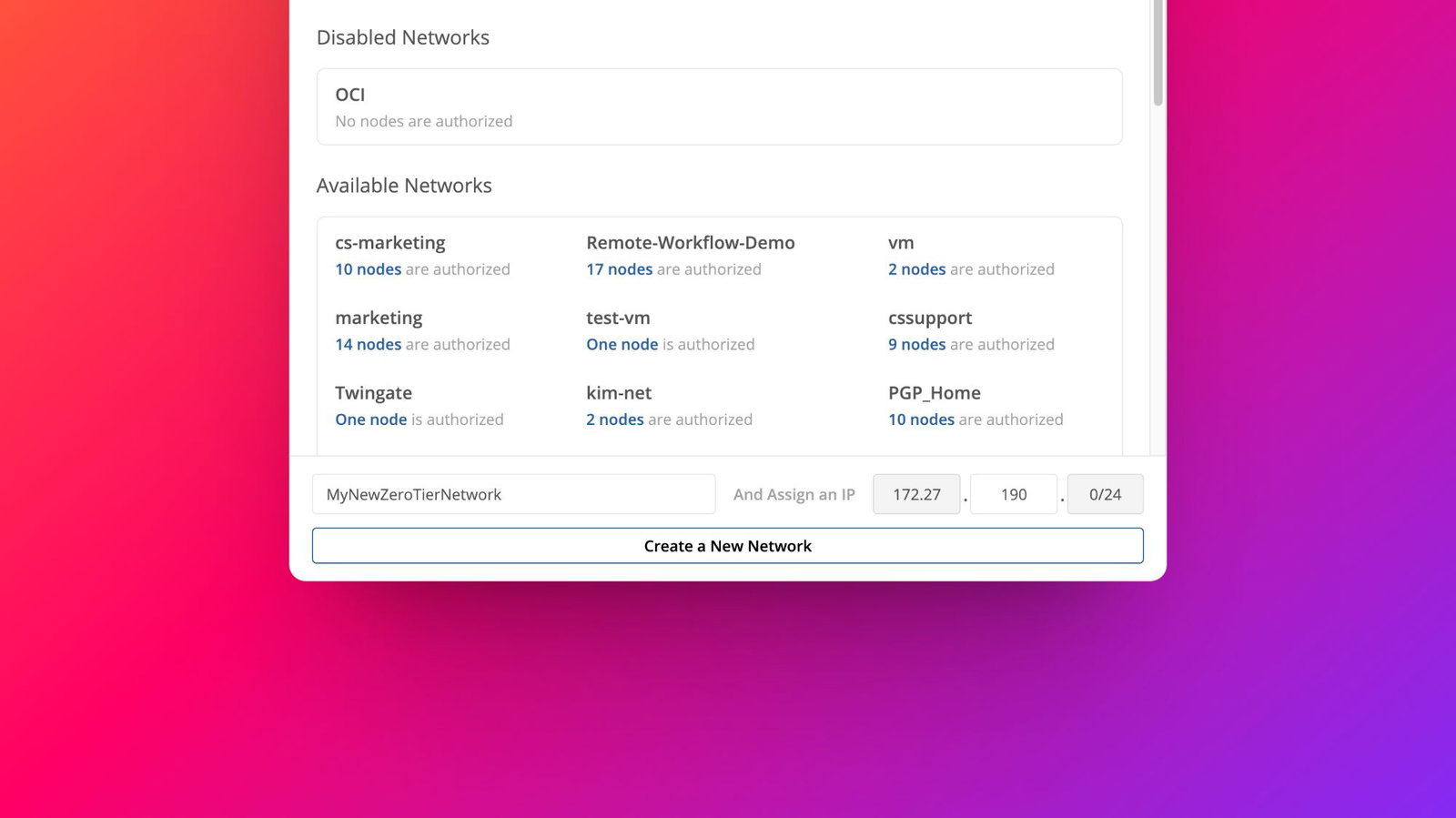
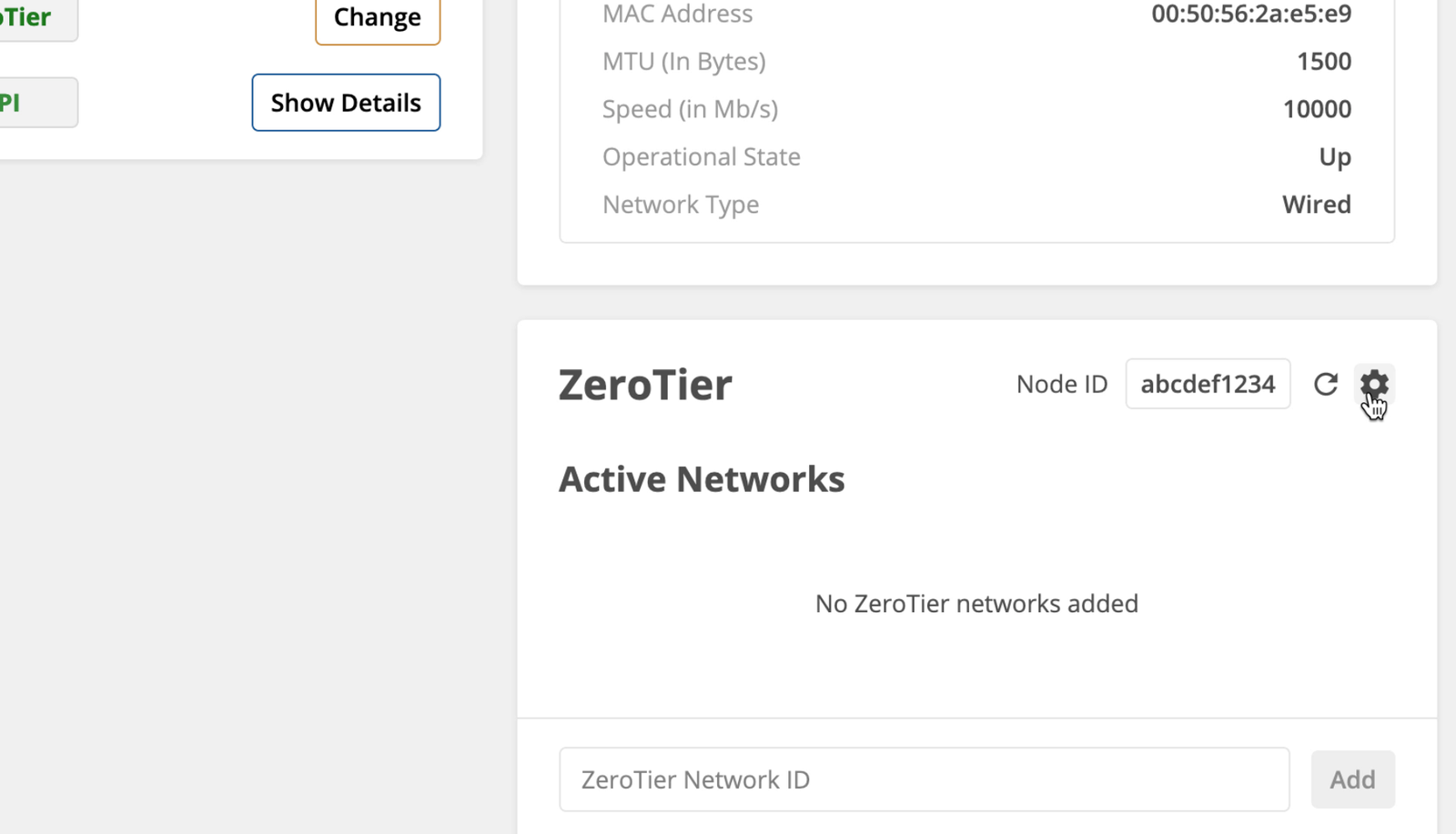
- Scroll down to the ‘ZeroTier’ section and click the ‘Gear’ icon to open the ZeroTier Configuration Panel.
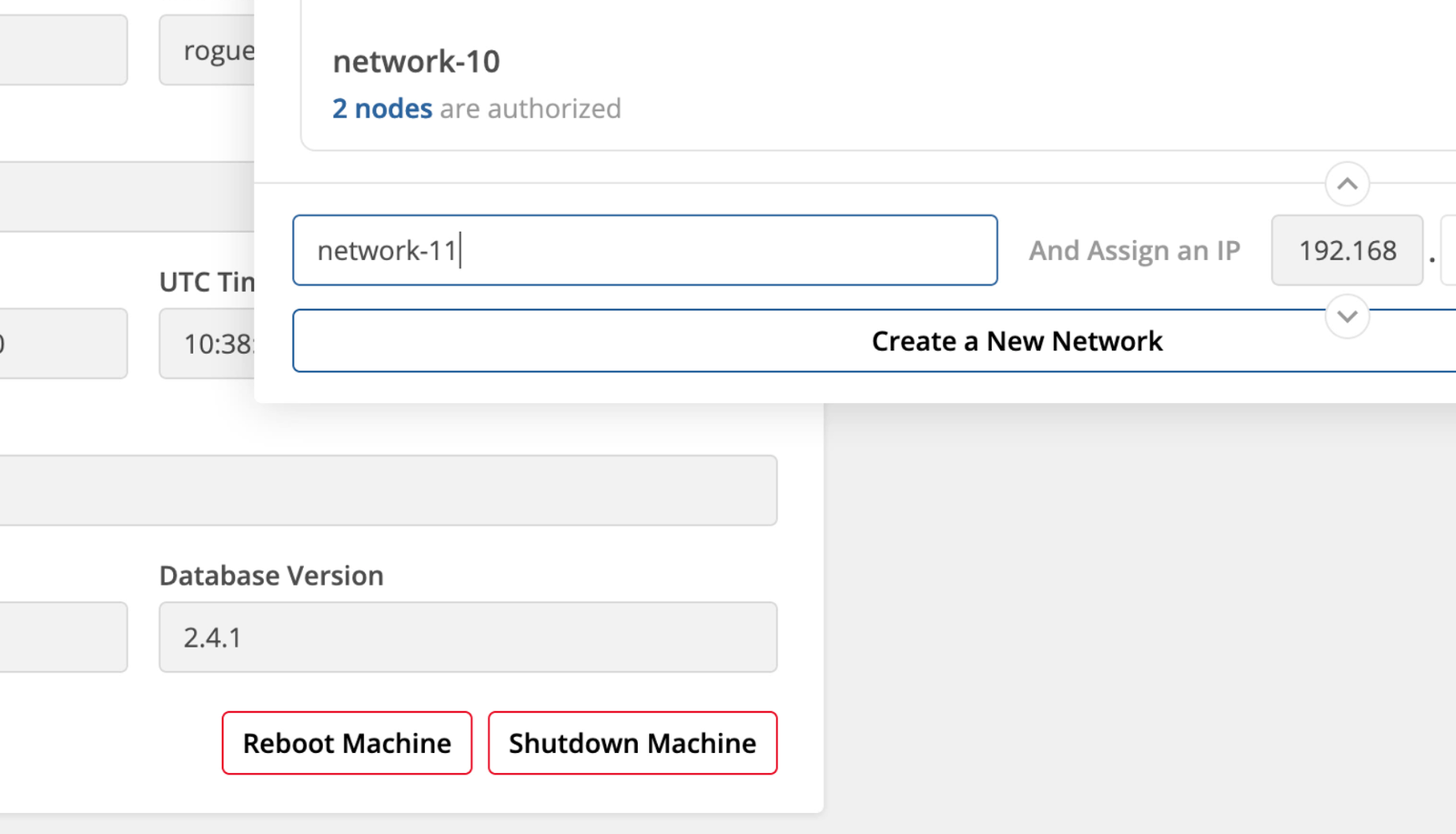
- Use the ‘Name for Your ZeroTier Network’ text box to give your new network a distinctive name.
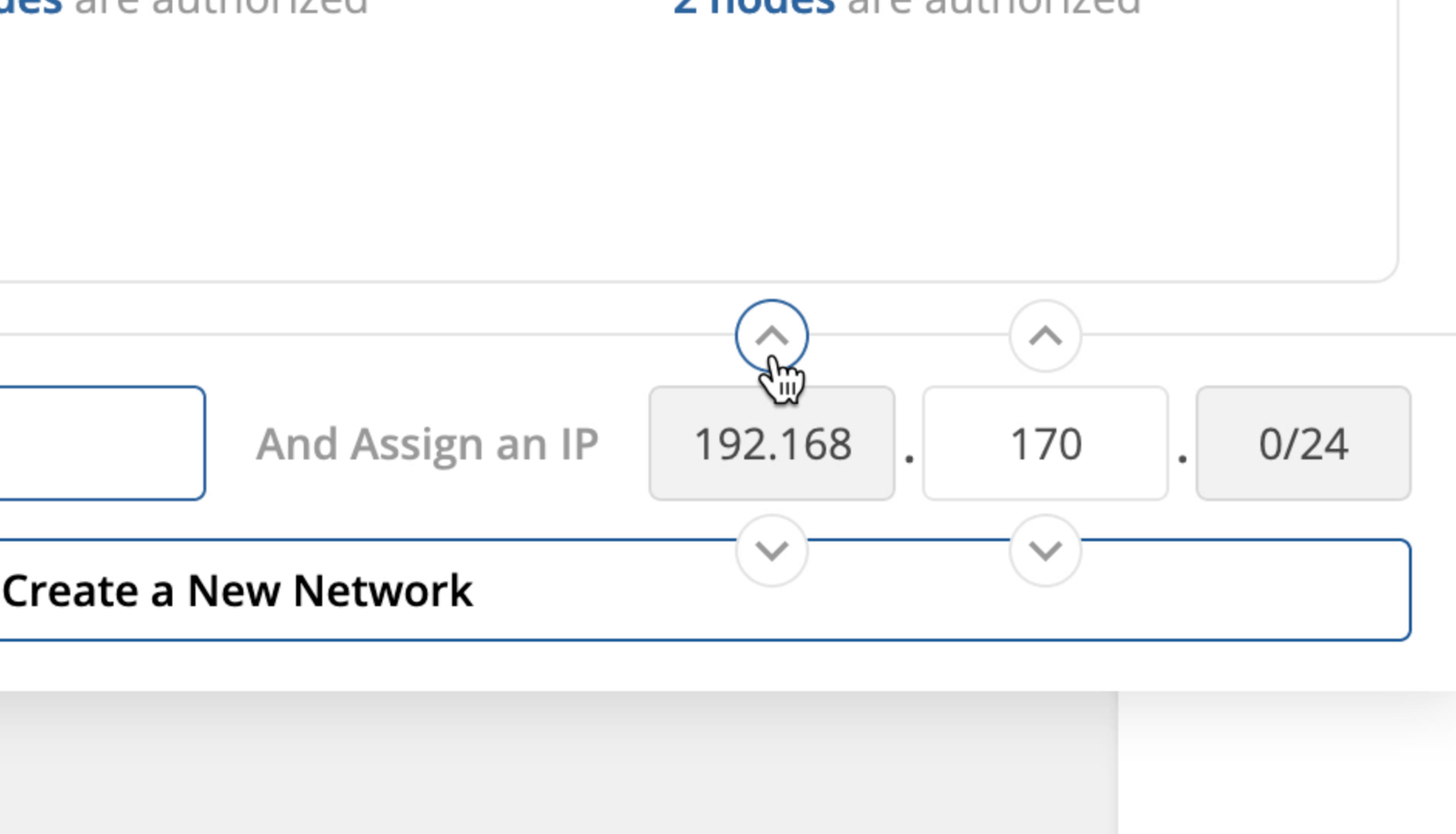
- Use the ’Up’ and ‘Down’ arrows to select the IP address range you would like to the ZeroTier network to assign connected workstations and nodes.
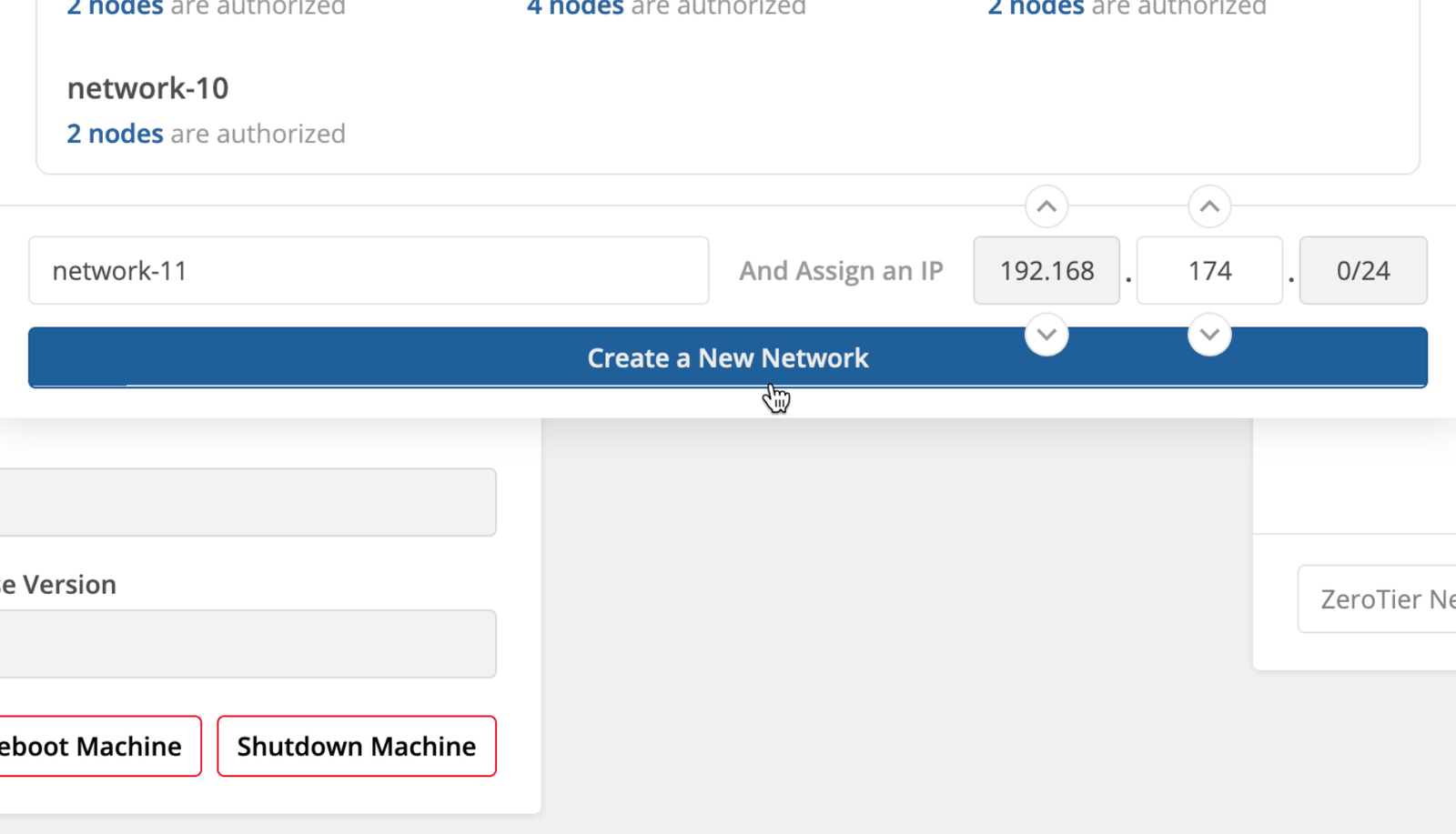
- Click ‘Create a New Network’ to create the network and add your creative.space node to it.
WARNING
Make sure this IP range isn’t used anywhere on your network.
← Previous
On this page