
Getting started
 New Install
 User Onboarding
 DownloadsWhat's New in 3.0.5
Reference
 Roles
 Features
 Interfaces
 Actions
Guides
 Premiere Pro
 DaVinci Resolve
 Final Cut Pro
 Media Composer
Change Your Own Password
All roles can change their own password, even if they can’t access anything else in the web app.
Step by Step
- Click on the box with your username in the upper right corner of the web interface.
- Select 'View Profile'.
- The 'User' modal will appear. Click on the 'Change Password' button.
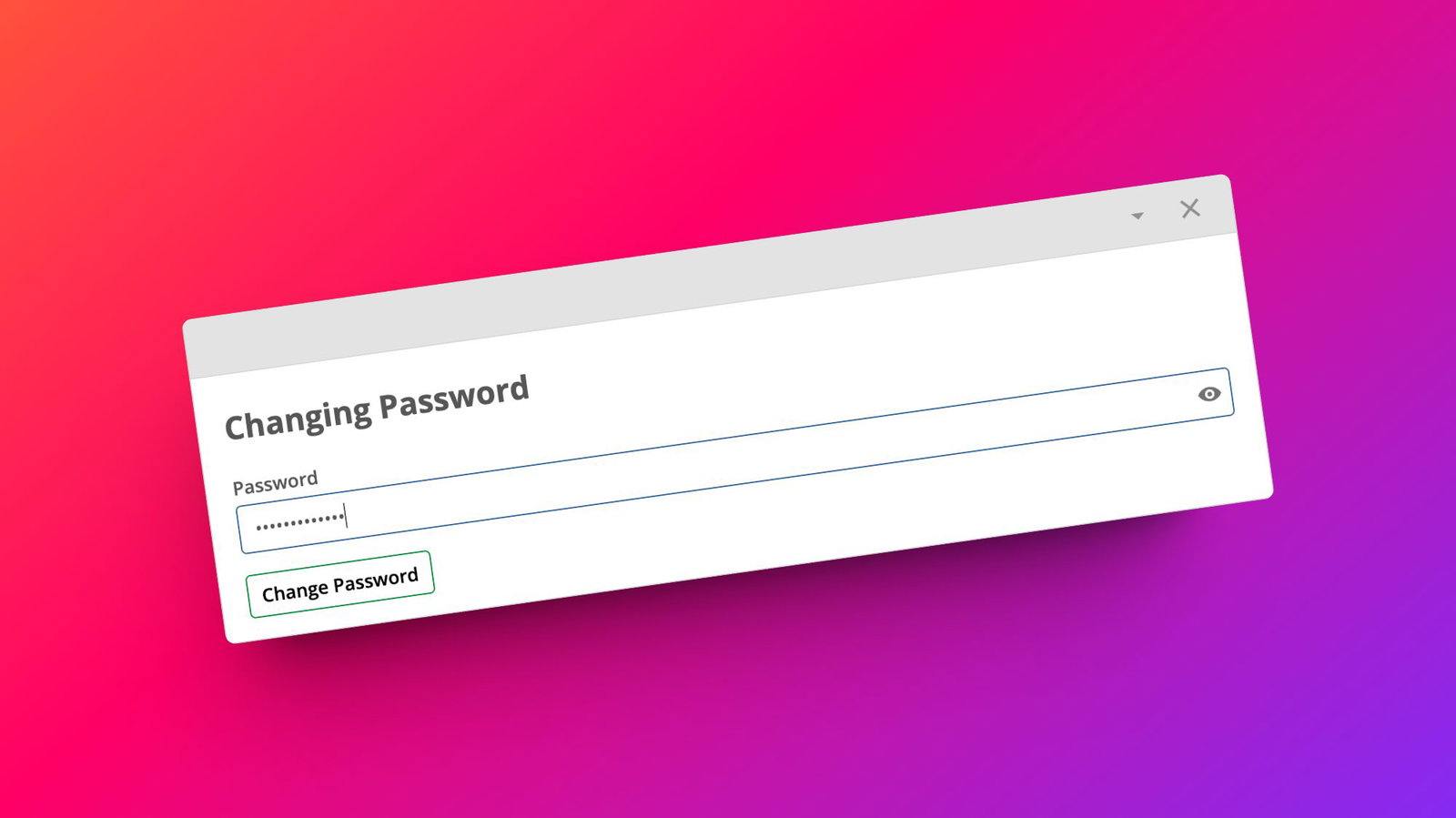
- Enter a new password and click the 'Change Password' button to save it.
← Previous
Next →
On this page